Mushrooms cursor
32Free
Here is a cute mushroom cursor for the mouse. Make your browsing more individual with The cutest custom cursors collection for the mouse and pointers. Mushroom custom cursor in your browser.
Install the Cursor Space extension for Chrome or Cursor Space for Edge in your browser.
On this page, click "Add this cursor pack to the extension".
Open the extension and go to the Packs tab.
Find the custom cursor pack "Deltarune Dark World Lancer cursor" and click it.
Enjoy!
Get this cursor pack and thousands of others by installing our extension. It's fast and free!
Deltarune Dark World Lancer Cursor is a themed cursor pack you can add to your browser to personalize your pointer across common cursor states (default and pointer). Use it for everyday browsing, streaming, studying, or gaming-anywhere you want your cursor to match your vibe.
See how the cursors look before installing.
Add the pack to the extension in a few clicks.
Designed for Chrome and Edge via the extension.
Quick answers to common questions about cursor packs, collections, and installation.
Yes. To apply cursor packs in Chrome or Edge, install the Cursor Space extension and add this pack to it.
Cursor packs are designed for Chromium browsers like Chrome and Microsoft Edge.
Open the extension, choose another pack or disable the current one to return to your default cursor.
Custom cursor and packs - neon, anime, pixel art. Quickly add to Chrome and Microsoft Edge for free
Here is a cute mushroom cursor for the mouse. Make your browsing more individual with The cutest custom cursors collection for the mouse and pointers. Mushroom custom cursor in your browser.
Transform your browsing with the Hilda Berg custom cursor for Google Chrome. Enjoy an animated touch of whimsy inspired by the Cuphead boss character

Add color and charm to your browsing with the Colorful Gradient Textures custom cursor. Express your style with this vibrant custom cursor for Google Chrome.
Get closer to nature with a realistic giraffe custom cursor for Google Chrome designed to enhance your browsing and add elegance to your screen.
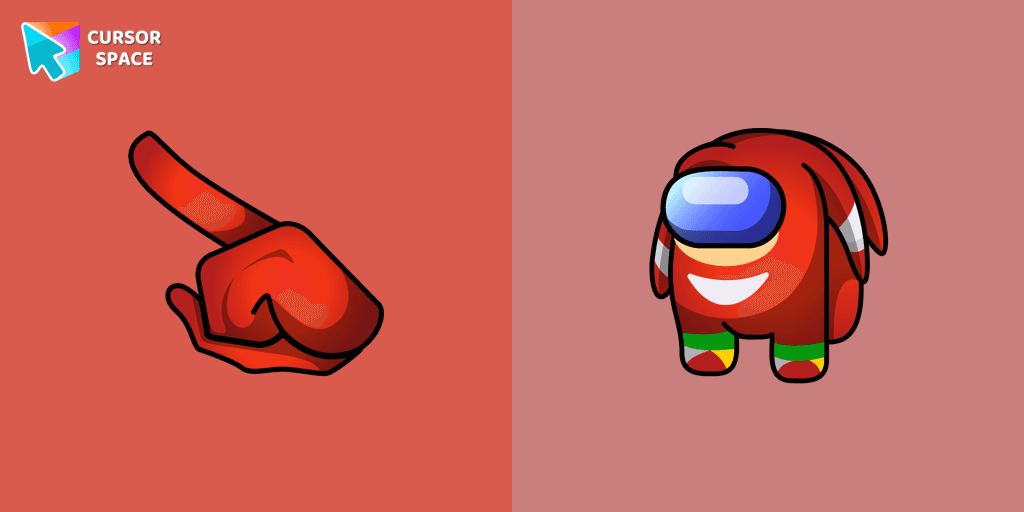
Introducing the Among Us Knuckles the Echidna Character Cursor
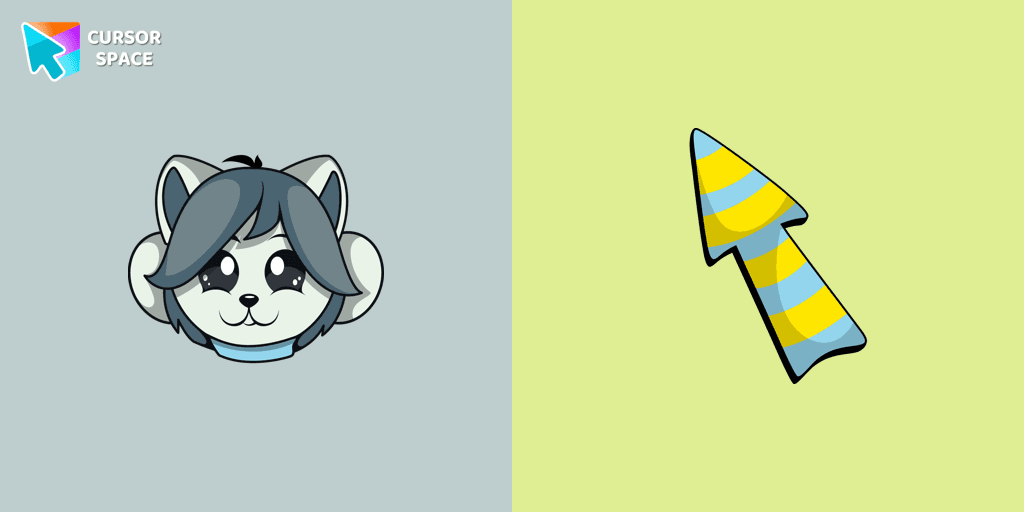
Temmie custom cursor for the mouse is a pretty monster in an Undertale and Deltarune cursor collection for Chrome.
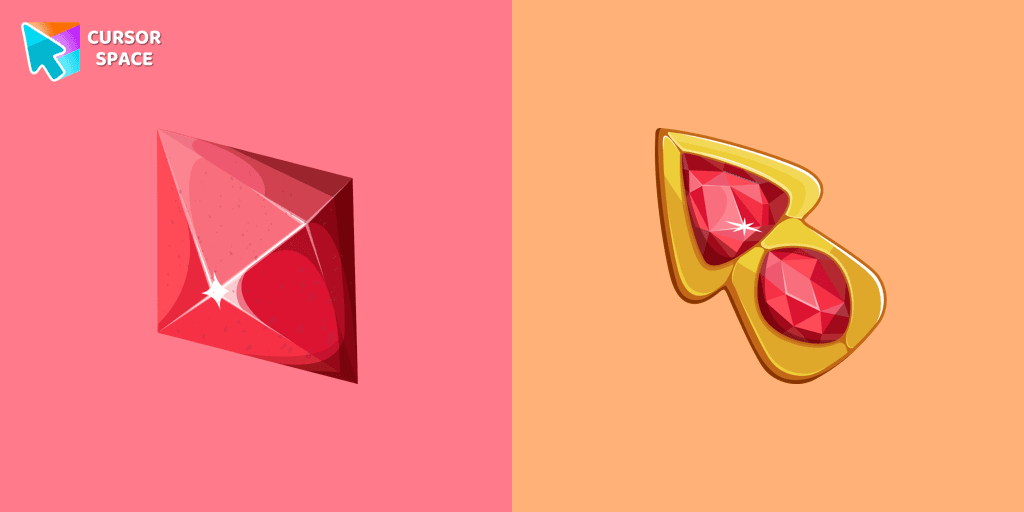
Let The Red Diamond lead the way and make your browsing experience extraordinary.
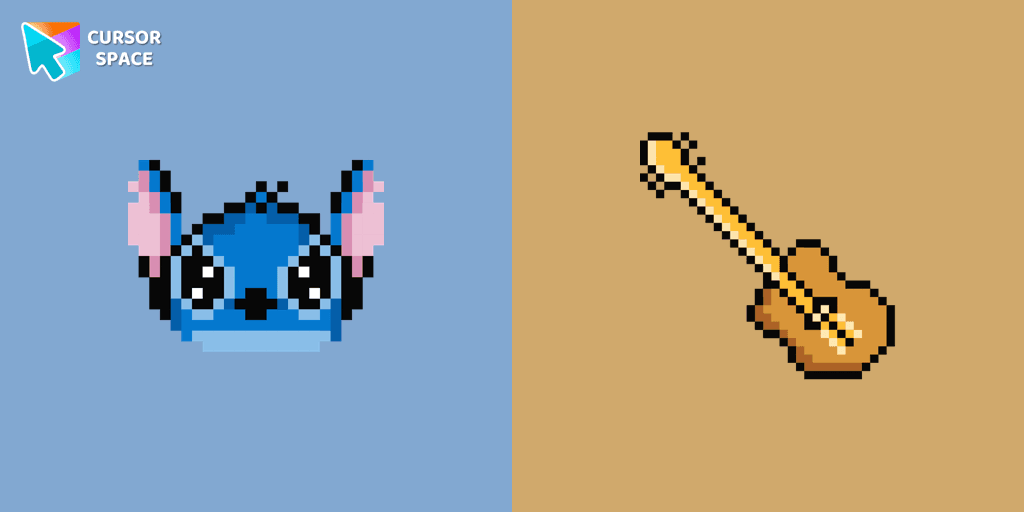
The only thing that can destroy Stitch Pixel Cursor from our custom cursors collection for Chrome is boring time on the Internet.
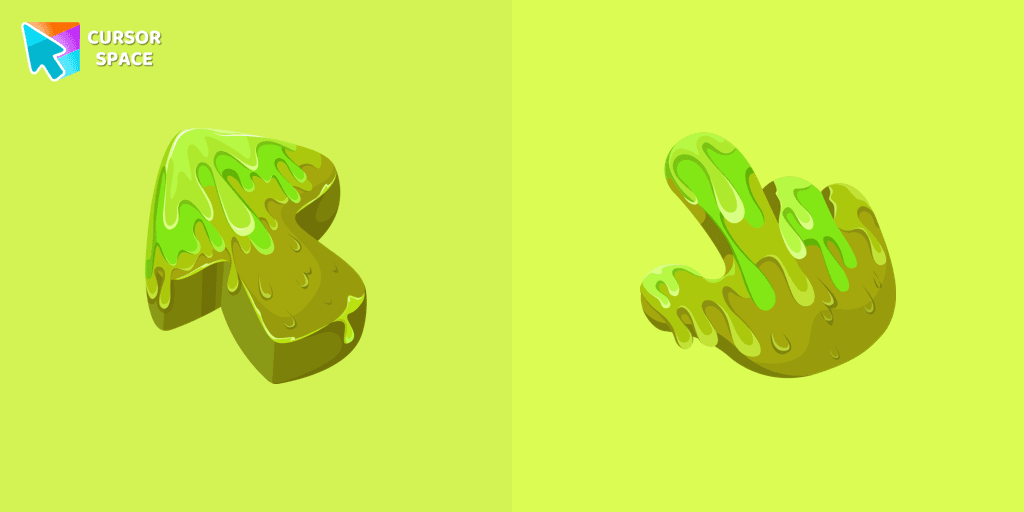
Our collection of custom cursors is excited to introduce the Cute Cursor Bundle, which includes a charming slime cursor and an adorable hover pointer.
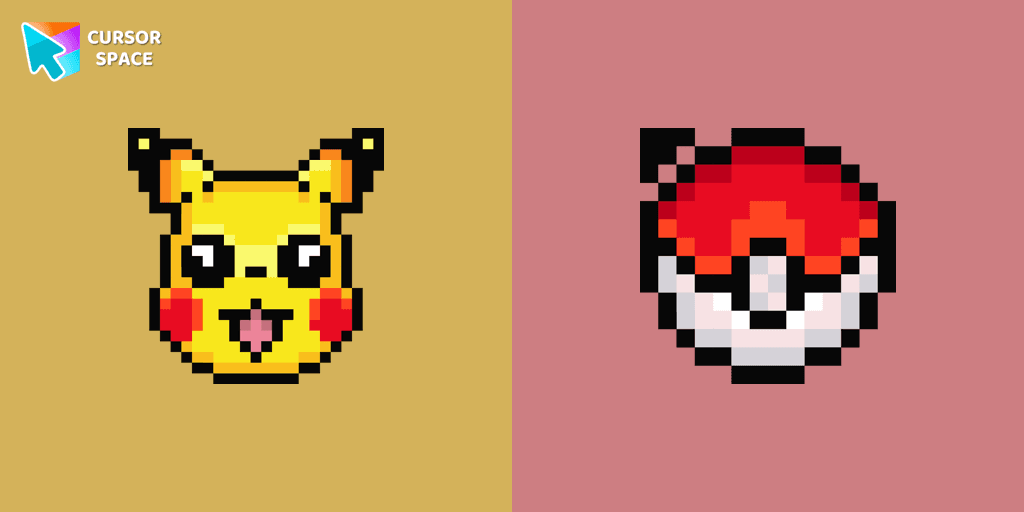
Cute Pixel custom cursors collection for Chrome gives you an opportunity to change the usual cursor to Pikachu Cursor in a cool pixel design.

Cute Oswald cursor and pointer in our adorable custom cursors collection a Friday Night Funkin.

Discover Oreo Teal custom cursors for a bold, modern look. Transform your workspace with vibrant, eye-catching designs.
Installation leaders from "Undertale": free packs, neon/anime/pixel art, quick add to Chrome and Edge.

Authentic custom cursor with Papyrus in our Undertale and Deltarune cursors collection for Chrome browser.
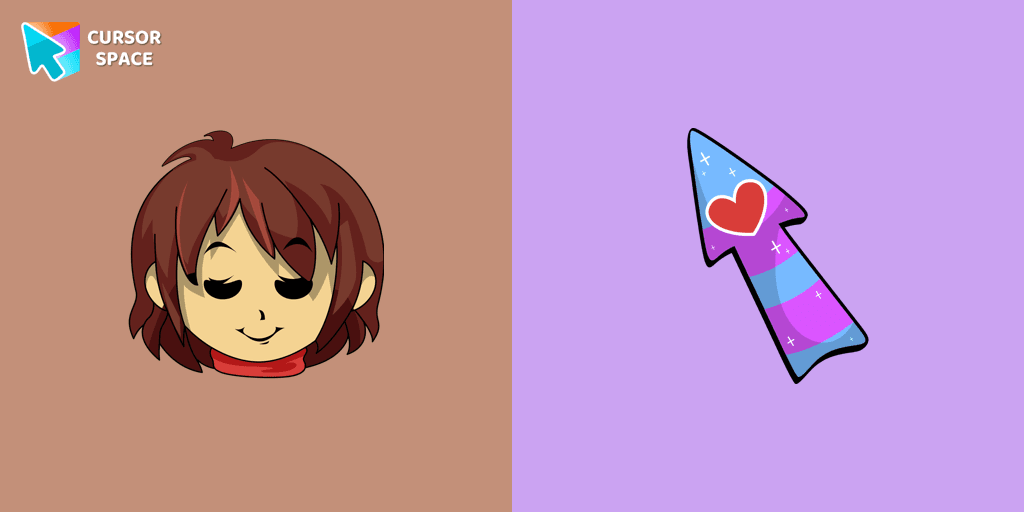
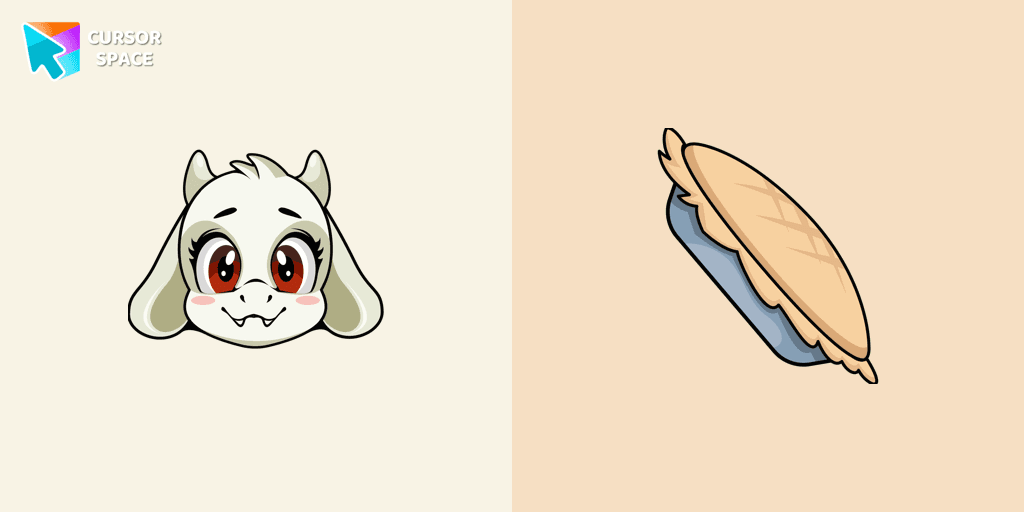
Toriel cursor as a cursor for the mouse and pointer will look pretty nice on your screen.
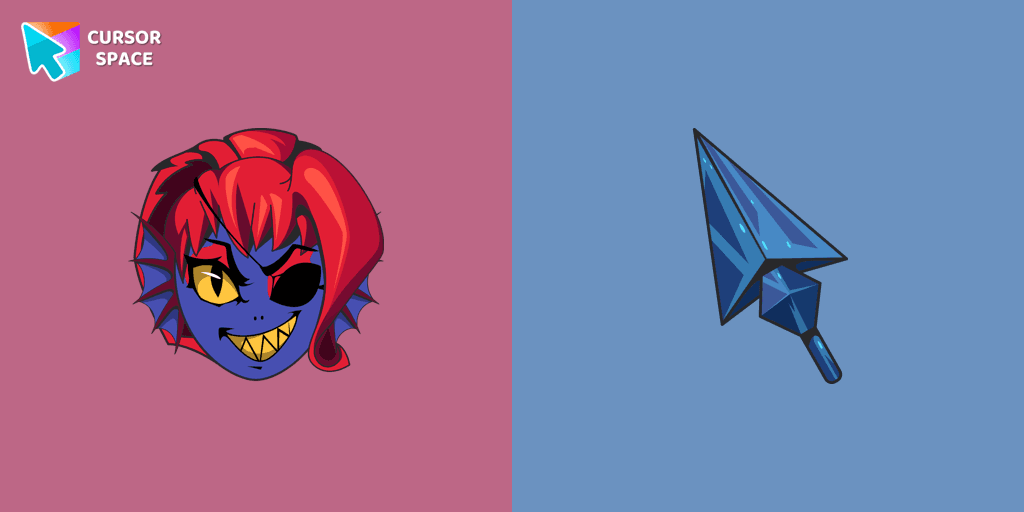
Undyne, a returning character from Undertale, is a secondary character in Deltarune. Undyne character as a custom cursor for mouse and pointer.

Undertale Gerson cursor for a mouse is a good fan art to decorate your browsing.
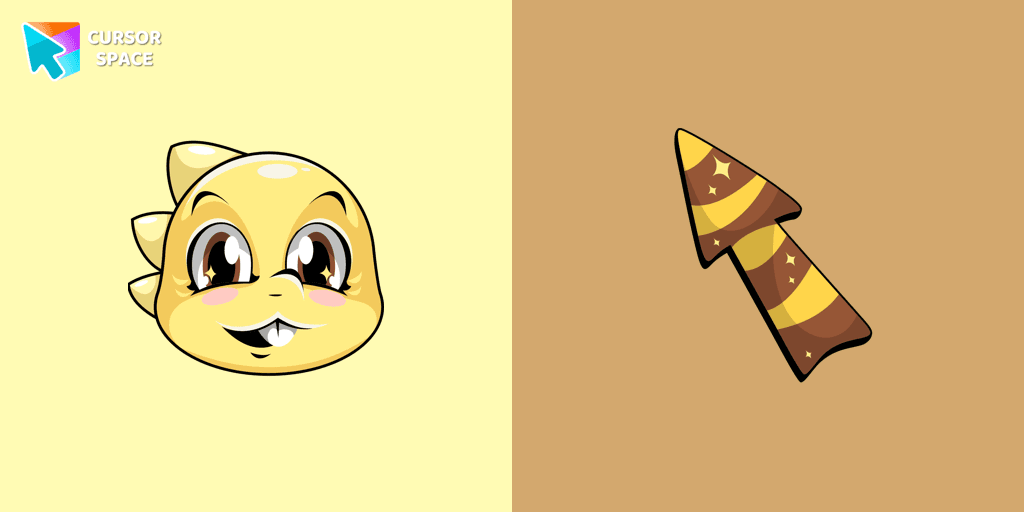
Add Monster Kid cursor in the collection of custom cursors with characters from Undertale and Deltarune for the browser.
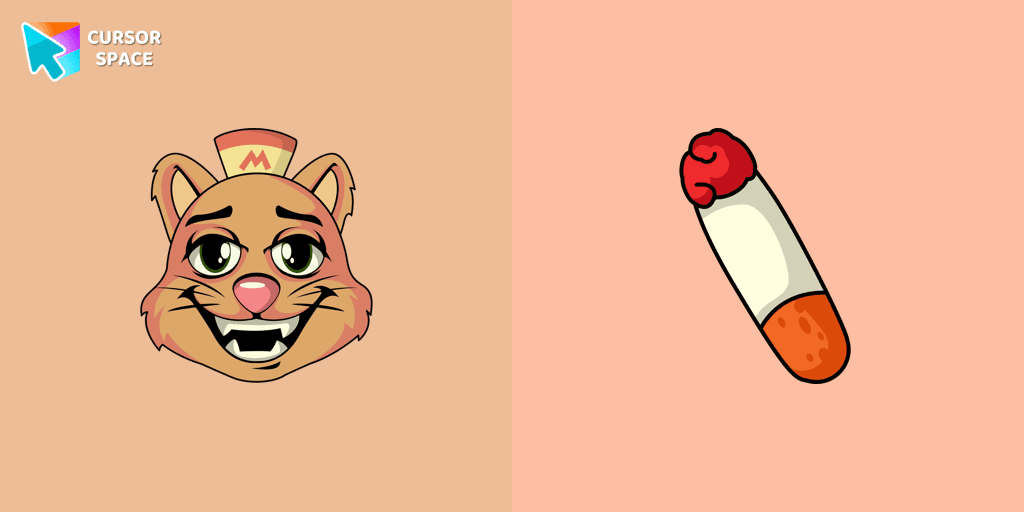
Burgerpants custom cursor for the mouse is a good fan art in Undertale and Deltarune cursor collection for Chrome.
Temmie custom cursor for the mouse is a pretty monster in an Undertale and Deltarune cursor collection for Chrome.
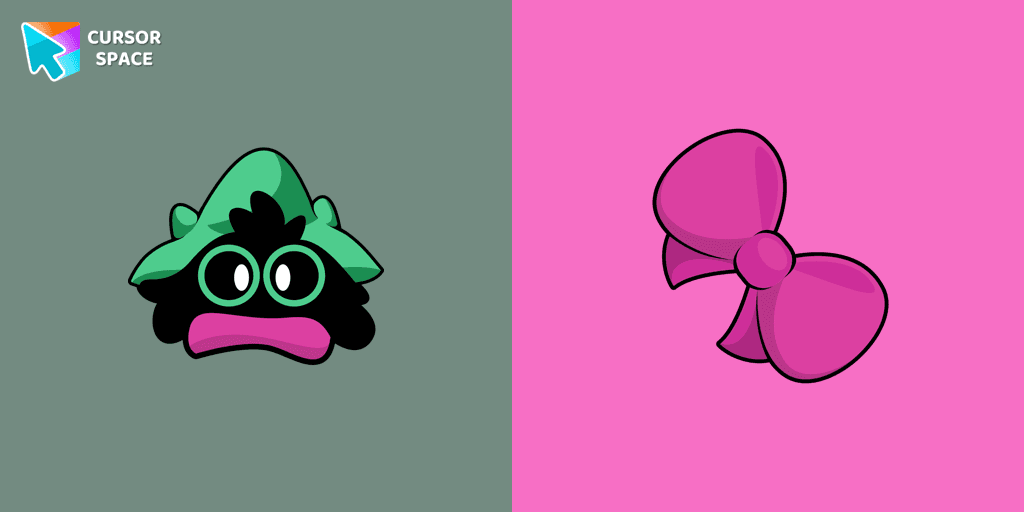
Custom cursor with Ralsei is a good opportunity to change the usual mouse to the cursors from the Undertale and Deltarune collection for Chrome.
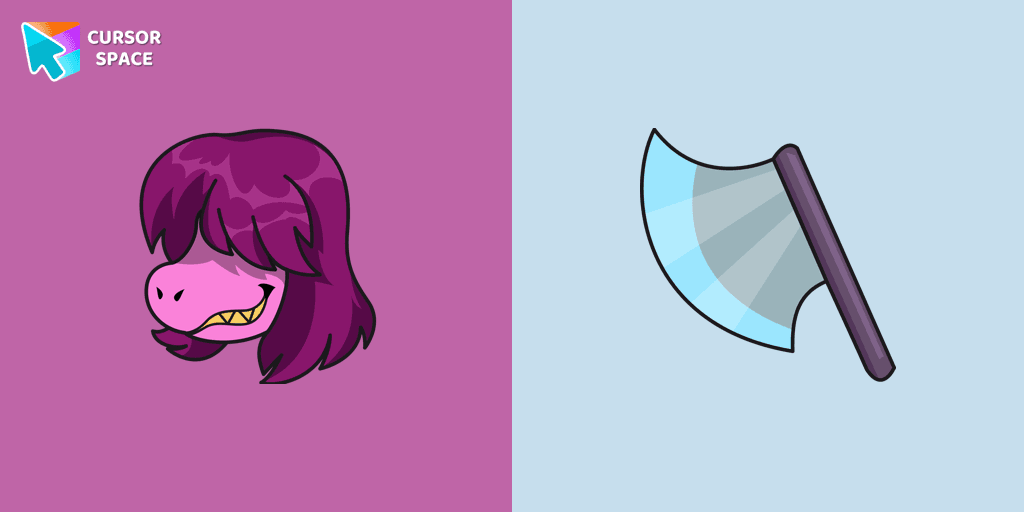
Susie custom cursor from our Undertale and Deltarune cursors collection for mouse and pointer.
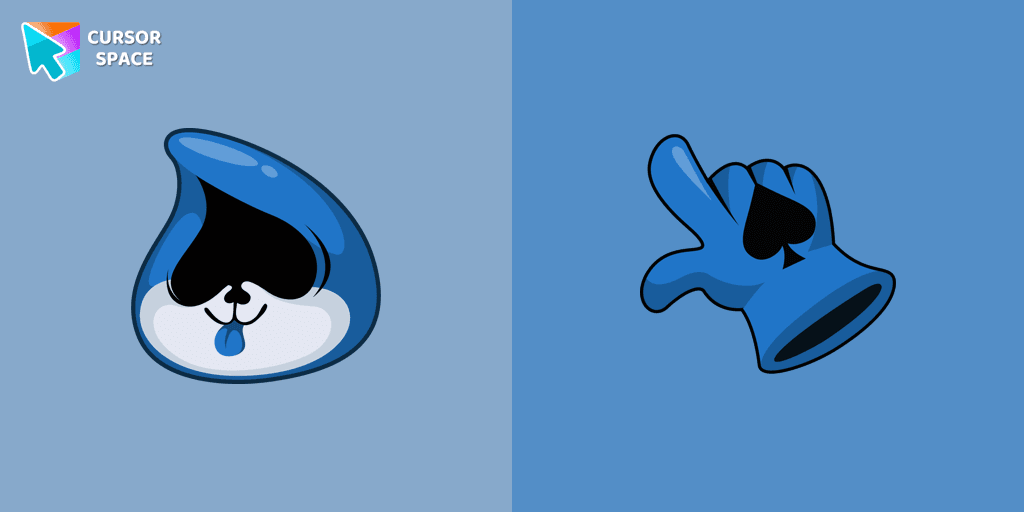
There is a custom cursor with a hand lancer and a Lancer as a hover in a set of Undertale and Deltarune cursors for Chrome.
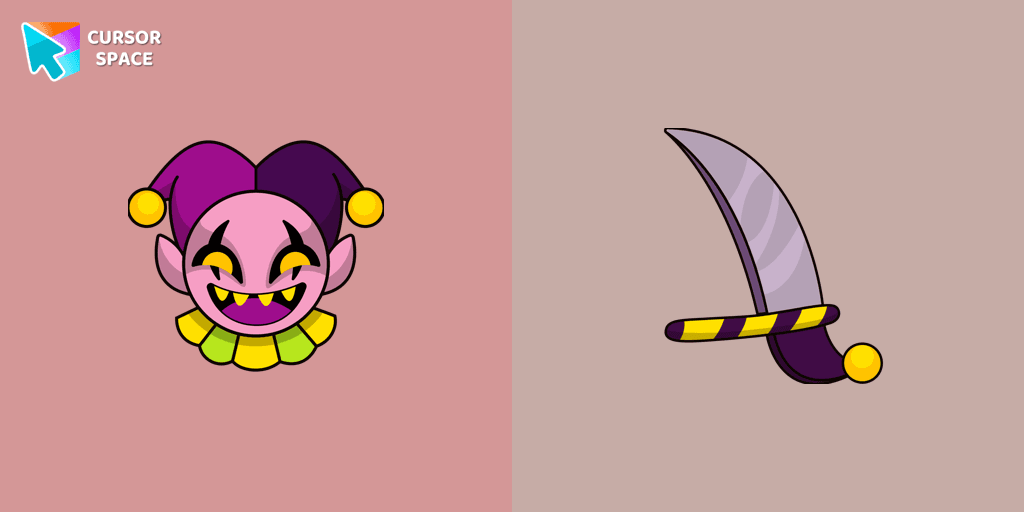
He is one of the holders of a Shadow Crystal. Add Deltarune Jevil cursor to the collection of custom cursors in cool art.
Add packs instantly and unlock access to thousands of cursors: neon, anime, pixel-art, and more. Fast, safe, and free.
Cursor Space is an extension for changing your mouse cursor in Chrome and Edge browsers: themed collections, HiDPI icons, neon, animated, and pixel cursors, with quick installation.